Rails Update: Choosing Between an Update and Alternatives
An overview of the opportunities, risks, and alternatives to Rails updates, with practical guidance to help technical decision-makers choose the right path for their application.


At some point, almost every team faces the same question: Your Ruby on Rails application has been running smoothly for years, but the framework is outdated. The last major update feels like ages ago, and developers know that upgrading to the latest Rails version will be costly and time-consuming.
But updating isn’t always the only way to keep an application secure and stable. There are alternatives that allow you to reliably operate existing applications without rebuilding the entire system.
Rails Updates Explained: Why They’re Not Always Easy
Regular framework updates bring clear advantages: new features, better performance, and of course, improved security.
The latest version of Rails, 8.1.x, builds on the changes introduced with Rails 8. Rails 8.0 (late 2024) mainly modernized deployment and infrastructure, and Rails 8.1 adds further improvements:
New since Rails 8.0:
- Modernized deployment and infrastructure tools (including the new Kamal 2 setup tool and the Thruster proxy in front of the Puma server)
- A new asset pipeline standard (Propshaft replacing Sprockets)
- Enhanced job and queue mechanisms (Solid Cable, Solid Cache, Solid Queue)
- Built-in generator support for authentication systems
New in Rails 8.1:
- Active Job Continuations: long-running jobs can be broken into steps and resumed after an interruption
- Structured Event Reporting: a unified interface for structured events
- Local CI: CI runs can be executed locally
- Markdown Rendering: controllers can serve markdown directly
These updates make applications more efficient, secure, and maintainable. In theory, that’s a win, but in practice implementation often turns out to be more challenging than expected.
Common challenges when updating Rails
Typical challenges include:
- Outdated dependencies and incompatible gems
- Incomplete or missing test suites
- Lack of time and resources for proper refactoring
- Systems that are barely maintained
For many organizations, the question is therefore less technical than economic: Is the update worth the effort, or is stability in ongoing operations more important?
What Are the Alternatives to a Rails Update?
Not every application can or should be migrated to the newest Rails version immediately. Especially for systems that have evolved over many years with numerous dependencies, updates can be difficult to plan.
Official support also runs out faster than many people expect: the Rails team provides security updates for each minor version for only two years. Rails 7.2 has not received any since August 2026, they end for Rails 8.0 in November 2026, and for Rails 8.1 in October 2027.
Rails LTS (Long-Term Support) provides a secure alternative. It patches security vulnerabilities in older Rails versions that are no longer maintained by the official framework team, such as Rails 2.3, 3.2, 4.2, 5.2, 6.1, and 7.2. This allows existing applications to remain safe even when a full update isn’t currently feasible.
This approach gives teams both time and flexibility for planning. The application stays stable while future modernization steps can be prepared at a manageable pace.
That means:
- No costly update sprints
- No downtime
- No risk of breaking a running application
In short: Rails LTS extends the lifetime of your application – securely, predictably, and with manageable effort.
When Is a Rails Update the Better Choice?
As useful as it can be to keep an older, stable application running with an update alternative like Rails LTS – in the long run, an update often becomes unavoidable. Some projects evolve, gain significance, or need to adapt to new technical requirements.
In these cases, upgrading to a current Rails version offers new possibilities and lays the foundation for sustainable development.
An update may be the right decision if:
- The application is actively developed or regularly receives new features
- Your team wants to adopt modern technologies or APIs
- Old libraries are incompatible with current systems
- The application is a core product with a long-term future
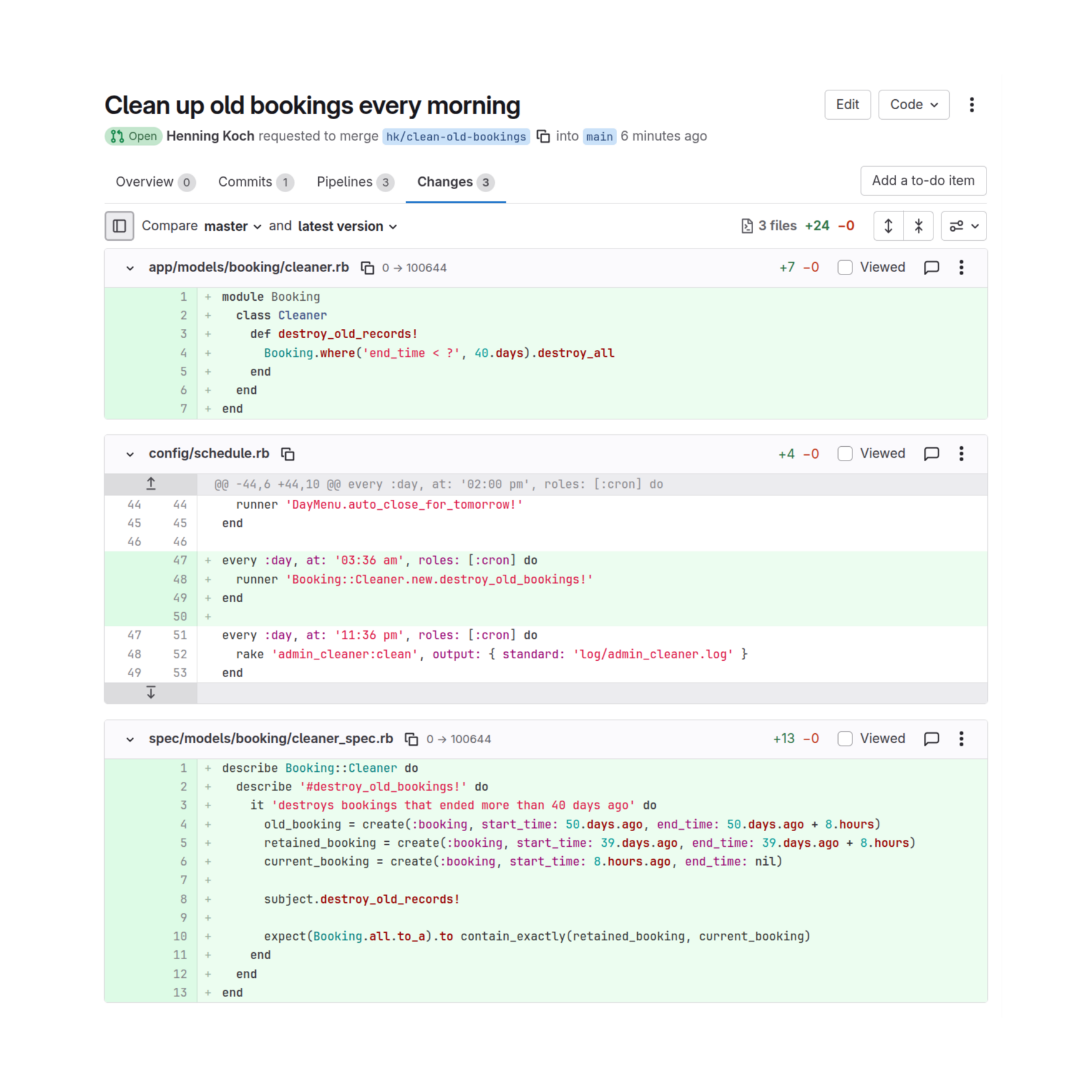
Rails LTS & Active Maintenance
Rails LTS can serve as a stop-gap solution – keeping your system secure while you prepare the update at your own pace.
For applications still running on Rails versions officially supported by the framework team, Rails LTS Active Maintenance is a fitting addition. It provides regular maintenance and stability updates to keep your system in top shape – making future updates simpler and less risky.
Checklist for Technical Decision-Makers
The right path depends on your development goals, resources, and the current state of your application. The following overview can help you decide which option best fits your situation:
Situation | Recommendation |
Application runs stably, no active feature development | |
Security and compliance requirements exist, but limited budget for an update | |
Planned feature expansion or technical refactoring | Update |
Modernizing the stack (Ruby version, infrastructure, CI/CD) | Update |
Legacy codebase unclear or outdated | Analysis + Rails LTS as a temporary solution |
Conclusion
Not every application needs to run on the newest version. For many projects, security, stability, and maintainability matter more than having the latest version number.
With Rails LTS, organizations can secure their applications without rushing or wasting resources. Prepare for your next update knowing your system is well secured.
If you’d like to know how long your Rails version can stay secure with Rails LTS, or how to plan a gradual, low-risk migration, get in touch with us.