Enterprise AI: Cloud vs. On-Premises Solutions Compared
When choosing enterprise AI, one question often makes the difference: Where can data be stored? This article compares popular cloud tools with local AI alternatives and helps you determine which approach is best for your business.
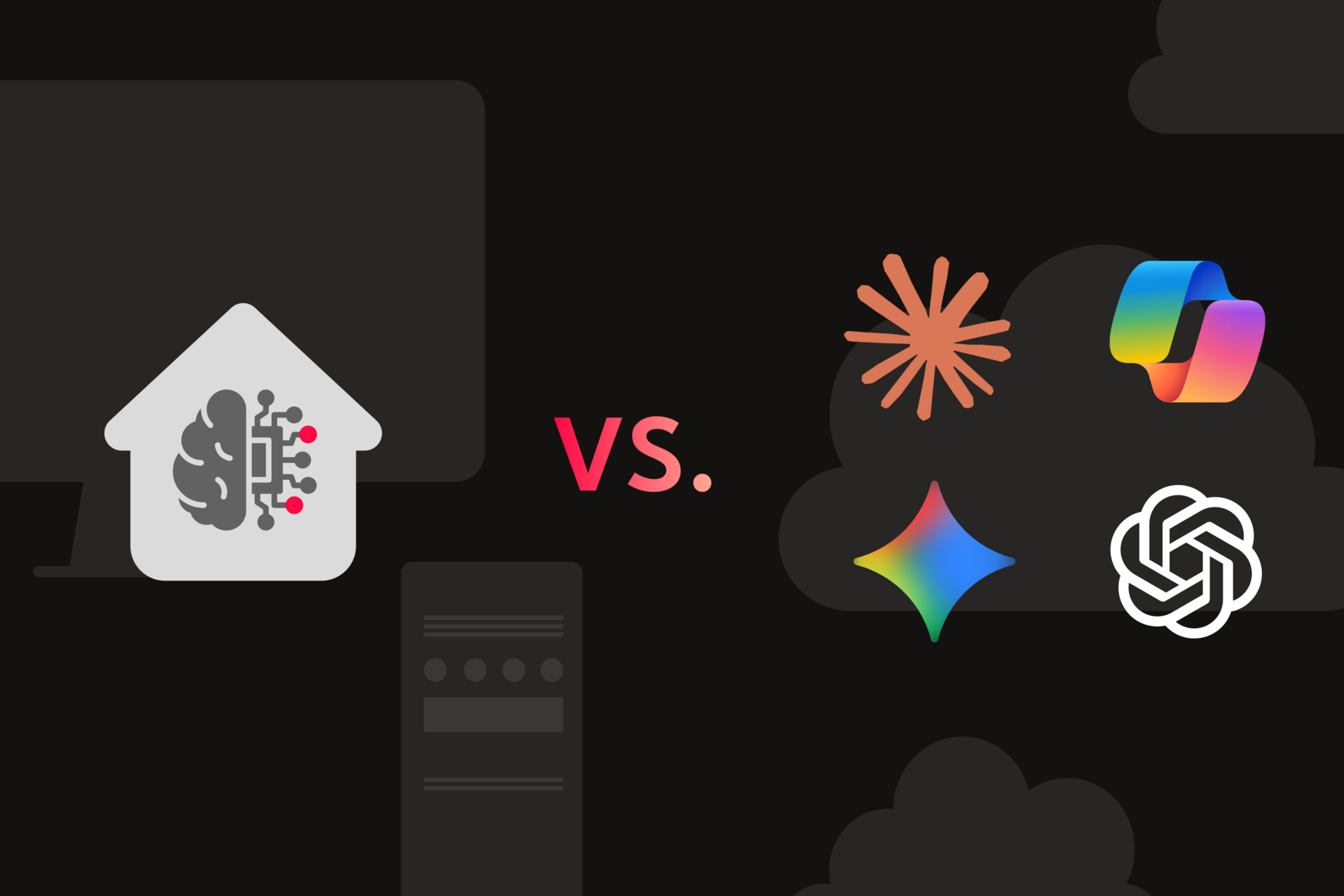

AI has made its way into most companies. So the question is no longer whether it will be used, but how it will be used and where the data will end up. This article provides an overview of the most well-known AI solutions: what they can do, where their limitations lie, and which companies they’re truly suited for.
Standard AI Solutions
Standard solutions are AI products that companies either subscribe to directly or access through existing software licenses. The best-known providers are Microsoft with Copilot, Google with Gemini, OpenAI with ChatGPT, and Anthropic with Claude.
Microsoft 365 Copilot
Microsoft 365 Copilot isn’t a standalone tool, but rather an assistant embedded directly into Word, Excel, Teams, and Outlook. For teams already working within the Microsoft ecosystem, it delivers an AI that understands context – processing emails, documents, and meeting notes as a whole rather than treating each request in isolation.
What Copilot is well suited for:
- Automatically summarizing meeting notes in Teams and assigning tasks
- Creating trend analyses and visualizations directly in Excel
- Building dashboards and reports in Power BI using natural language
- Supporting customer inquiries and escalations in the Dynamics 365 environment
- Draft contracts, summarize legal texts, and maintain audit documentation in Word and SharePoint
Limitations to be aware of:
- Platform dependency: Copilot requires an active Microsoft 365 subscription. Those who aren’t already deeply embedded in the Microsoft ecosystem will get little benefit from it.
- Data storage: Microsoft processes corporate data within the Microsoft cloud infrastructure. For customers in the EU and EFTA, processing takes place regionally within the EU Data Boundary, so processing exclusively in Germany is not guaranteed. Details such as routing during peak demand also depend on configuration, and Anthropic models used within Copilot sit outside the EU Data Boundary (controllable via an admin setting). Organizations that need data to be processed exclusively in Germany or on their own servers must verify this explicitly and have it guaranteed in their contract.
- Response quality: Copilot’s responses are often more detailed than necessary. This can slow down rather than help with quick, operational tasks.
- Shadow IT: If employees find the results unsatisfactory, they may resort to personal tools like ChatGPT without the company's knowledge. This creates uncontrolled data flows that pose compliance risks.
Google Gemini for Google Workspace
Google Gemini is the AI extension for the Google Workspace ecosystem: Gmail, Docs, Sheets, and Meet. What sets this model apart from others is its ability to process various media types including text, images, audio, video, and code within a single workflow. Gemini also offers an exceptionally large context window, which proves especially valuable when working with lengthy documents or large datasets.
What Gemini is well suited for:
- Summarizing and analyzing long reports and documents
- Improving written content and blog posts, creating multilingual content
- Personalizing recommendations and services through integration with Google Maps and Flights
- Supporting coding and debugging within the Google infrastructure
Limitations to be aware of:
- Platform dependency: For companies that do not use Google Workspace, Gemini is hardly an attractive option as an embedded tool.
- Prone to errors in multi-step processes: In complex workflows with multiple processing steps, inaccuracies can compound. A single misinterpreted data point at the beginning can skew all subsequent results.
- Coding performance: Gemini models regularly rank among the top group in coding benchmarks. On agentic tasks, such as working in a terminal or an existing codebase, competing models sometimes perform better, and the ranking changes with every new model release. Anyone with specific requirements should test it in their own context before committing.
- Shadow IT: The same principle applies here: If results aren’t convincing, employees will seek out alternatives on their own.
ChatGPT and Claude
OpenAI's ChatGPT and Anthropic's Claude are currently the most capable general-purpose models for language, analysis, and code. Both come as public versions and as managed environments for businesses through their Team and Enterprise plans. On these plans, user data isn't used to train public models, and administrators can control access rights and usage policies.
ChatGPT also lets users build so-called Custom GPTs – specialized assistants grounded in your own documents and instructions that can act as an internal knowledge source for employees. Claude covers this with Projects, which combine custom documents and system-level instructions.
Both models are well suited for:
- Content creation: blog posts, social media, newsletters, and advertising copy
- Building internal knowledge from your own documents
- Market research: spotting trends and summarizing long reports
- Software development: writing, debugging, and documenting code
- AI agents for specialized tasks in research, sales, and programming
Limitations to be aware of:
- Cost: Premium plans can add up quickly with heavy use or across larger teams.
- Factual accuracy: Both models are trained to sound plausible and convincing, but that doesn't mean their output is always correct. With complex queries, they may fabricate facts, sources, or logical connections – a phenomenon known as AI hallucination. For business-critical content, outputs should always be verified.
- Data sovereignty: OpenAI and Anthropic are U.S.-based companies. Even though company data isn't used for model training on the business plans, it's still processed and stored on their infrastructure. Anyone who needs their data to stay exclusively within the EU, in Germany, or on their own servers will run into a structural limit here – and will have to build their own solution.
- Access Limitations: Access to the most powerful models can depend on political decisions: in June 2026, Anthropic had to temporarily suspend access to its newest models on the order of the U.S. government (export controls), including for customers in Europe. The restriction has since been lifted. The example illustrates a risk that is inherent to working with public providers.
The Strengths and Limits of Standard Solutions
All of the solutions presented are well-suited to many use cases and significantly lower the barrier to entry for AI in the enterprise. They share one key limitation, however: data control. The moment sensitive corporate data – customer records, financial information, trade secrets – enters the processing pipeline, the question of where it ends up and who can access it becomes critical.
For companies with strict data protection or compliance requirements, such as those in regulated industries like healthcare, law, or finance, this is the point at which a local AI solution running on their own infrastructure becomes the obvious choice.
The Customized Local AI
What is on-premises enterprise AI?
Local AI runs in a closed environment, either on the company's own infrastructure (on-premises) or in a dedicated, GDPR-compliant data center in a country of its choice. The data stays within the company and is never handed off to an external provider.
This may sound like a technical detail, but for many companies it's the decisive factor. Organizations that handle sensitive customer data, trade secrets, or regulated information simply cannot guarantee what happens to that data in a public cloud, no matter what the terms of service promise.
An on-premises solution also enables deep integration with existing systems such as ERP platforms or internal databases. The model can be configured to understand the company's technical terminology, products, and processes, allowing it to handle workflows that standard tools cannot.

What Local AI Is Well Suited For
Internal Search: A local AI can search through scattered data sources such as emails, presentations, meeting notes, and databases to provide precise answers. This is particularly valuable in companies where knowledge is distributed across many systems.
Document Creation: Reports, proposals, and project plans can be generated using fixed templates, with the AI drawing information from internal sources and using company-specific terminology. The result is more consistent than with a general-purpose language model.
Content Analysis: Unstructured inputs such as emails, contracts, or forms can be automatically parsed. Relevant information is extracted and categorized without requiring manual follow-up such as deadlines, contract numbers, or responsibilities.
Local AI is therefore well suited to a wide range of use cases.
Restrictions You Should Be Aware Of
Feature Set: Public cloud services are evolving rapidly and constantly introducing new features. An on-premises solution does not automatically keep pace with this evolution, as updates must be specifically scheduled and deployed.
Inference Speed: How quickly the model responds depends directly on your own hardware. Cloud providers can scale computing power as needed; with an on-premises solution, capacity is limited by the existing infrastructure.
Technical Expertise and Setup Effort: The initial setup and integration require technical know-how. Without the right people, whether internal or external, an on-premises system will not run stably.
Maintenance and Responsibility: Security updates, patches, and model maintenance are the responsibility of the company itself, which must be considered during planning.
Hardware: Modern language models require high-performance hardware, particularly GPUs and sufficient RAM. This is an investment that should be realistically calculated before launch.
What is the right fit for your company?
The decision between cloud-based and on-premises AI depends on the context.
Cloud AI makes sense when:
- A quick start is more important than deep customization
- The tasks do not involve sensitive company data, e.g., standard content, translations, or general research
- The company wants to gain experience with AI before investing in its own infrastructure
On-premises AI is the better choice if:
- Data must not leave the company for legal or strategic reasons
- The processes require specific company knowledge or direct system integration that standard tools cannot provide
- The goal is independence from external providers regarding pricing, data protection terms, or model decisions
- The volume of use is high enough that the one-time infrastructure investment pays off in the medium term compared to monthly subscription costs
Conclusion
Cloud services offer a quick and easy way to get started and are well-suited for many everyday office tasks. Their limitations become apparent when data control and customization become more important.
Those who work in regulated industries, handle sensitive data, or want to integrate AI deeply into their processes will be better off in the long run with an on-premises solution. Ultimately, it comes down to the conditions under which AI can function responsibly and sustainably within a company.
